

02 · EXAM SYLLABUS
See exactly what your exam asks, topic by topic
Exam Syllabus shows the full syllabus of your exam on one page, with the exam pattern and where the marks are. Tap any sub-topic to start studying it.
“I don’t know where to start.”
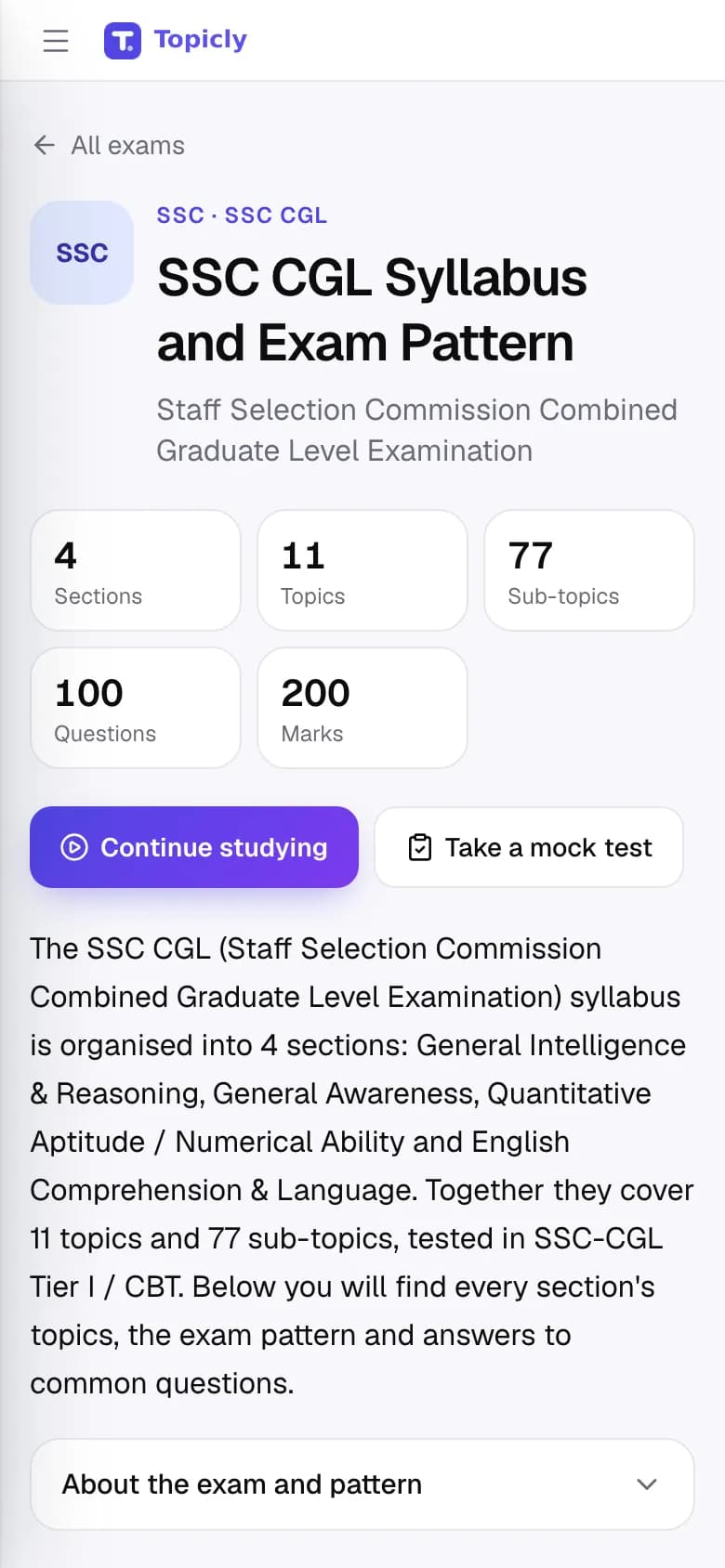
WALKTHROUGH
How to use Exam Syllabus, step by step.
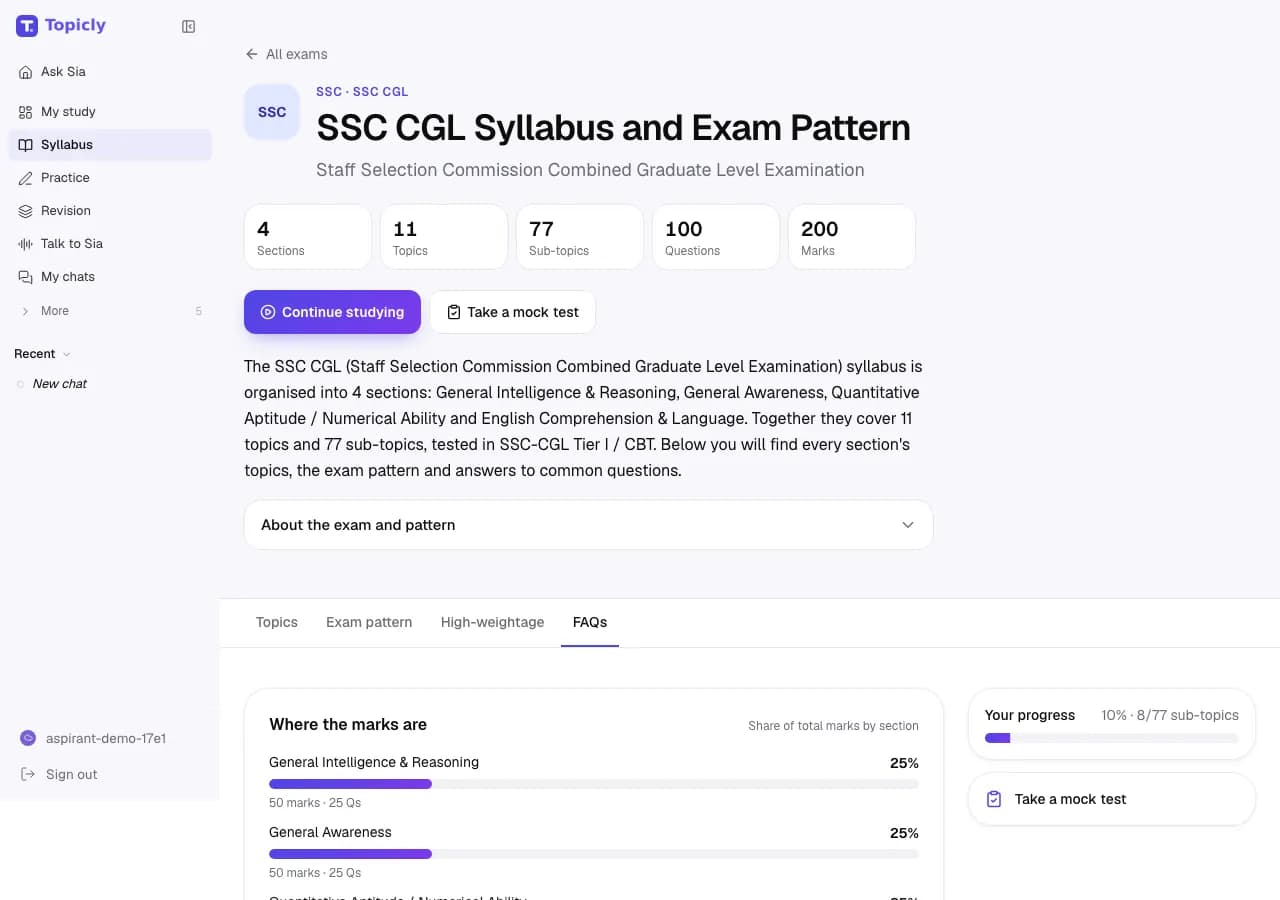
Find your exam and open its syllabus: every subject, topic and sub-topic, with the exam pattern and where the marks are.
Search for a topic, or tap I have 30 minutes for a short session of the topics that carry the most marks.
Tap a sub-topic to study it with Sia. As you mark topics done, your progress shows here and on My Preparation.
EVERY FEATURE IN EXAM SYLLABUS
What you can do, and why it helps.
- 01
Exam syllabus explorer
Subject, topic and sub-topic syllabuses for 270 exams, from SSC and banking to railways, state PSCs, defence and teaching.
- How it works
- Search by exam name or browse by category. Syllabus pages are free to read without an account, in English and Hindi.
- How it helps
- You see what is in scope before you spend an hour on it.
- 02
Exam pattern and high-weightage topics
Tabs for the topics, the exam pattern, the high-weightage topics and common questions about the exam, with a chart of where the marks are.
- How it works
- Switch tabs at the top of any exam’s syllabus page, or turn on Only high-marks topics, where marks are known, to narrow the list.
- How it helps
- You spend more time on the topics that carry more marks.
- 03
A focused 30-minute session
A short list of sub-topics that fits the time you have: 15, 30 or 60 minutes.
- How it works
- Tap I have 30 minutes and pick a time. Topicly allows about 15 minutes per sub-topic and puts the highest-weightage ones first.
- How it helps
- Even a short break becomes a useful study session.
- 04
Mark your progress
Every sub-topic can be marked Not started, Learning, Done or Confident.
- How it works
- Tap the status next to a sub-topic to change it. Hide completed topics to see only what is left.
- How it helps
- You get an honest picture of what is finished and what is still left.
- 05
Micro-topics
A closer breakdown of a sub-topic into the smaller points it covers.
- How it works
- Tap Show micro-topics under a sub-topic. Some have a ready list; for others, Sia suggests one when you are signed in.
- How it helps
- A big sub-topic becomes a short checklist you can work through.
- 06
Progress for each of your exams
If you prepare for more than one exam, each one has its own card and progress bar.
- How it works
- Pick your exams during setup; they appear under My exams on the syllabus page.
- How it helps
- You can see how far along you are for every exam you are targeting.
- 07
Compare two exams
A side-by-side view of the subjects two exams share and the ones only one of them asks.
- How it works
- Open Compare exams and choose any two exams.
- How it helps
- You prepare for related exams together without studying the overlap twice.
IN YOUR PREPARATION
How aspirants use it.
- SSC CGL
Open Quantitative Aptitude, find “Percentages, Profit-Loss, Discount” and start a focused session on it.
- SSC CGL + CHSL
Compare the two exams to see which reasoning and English topics you can prepare once for both.
- BPSC
Browse Paper II to see the Bihar history, geography and economy topics that a national exam would not cover.
Good to know
Syllabus browsing and exam comparison are free and public. Saving progress and Sia’s micro-topic suggestions need a free account. Syllabuses are a study guide: always check the latest official notification for your exam. Topicly does not guarantee exam results. Paid plans on the pricing page are proposed and cannot be bought today.
Ready to try Exam Syllabus?